Beyond OCR: Why Layout-Aware Parsing Is the Secret to High‑Precision RAG

Retrieval-Augmented Generation (RAG) is only as good as the information it retrieves. And when your knowledge lives inside invoices, contracts, receipts, statements, IDs, and scanned PDFs, “good retrieval” depends on something most teams underestimate: how well you turn messy documents into structured, trustworthy data.
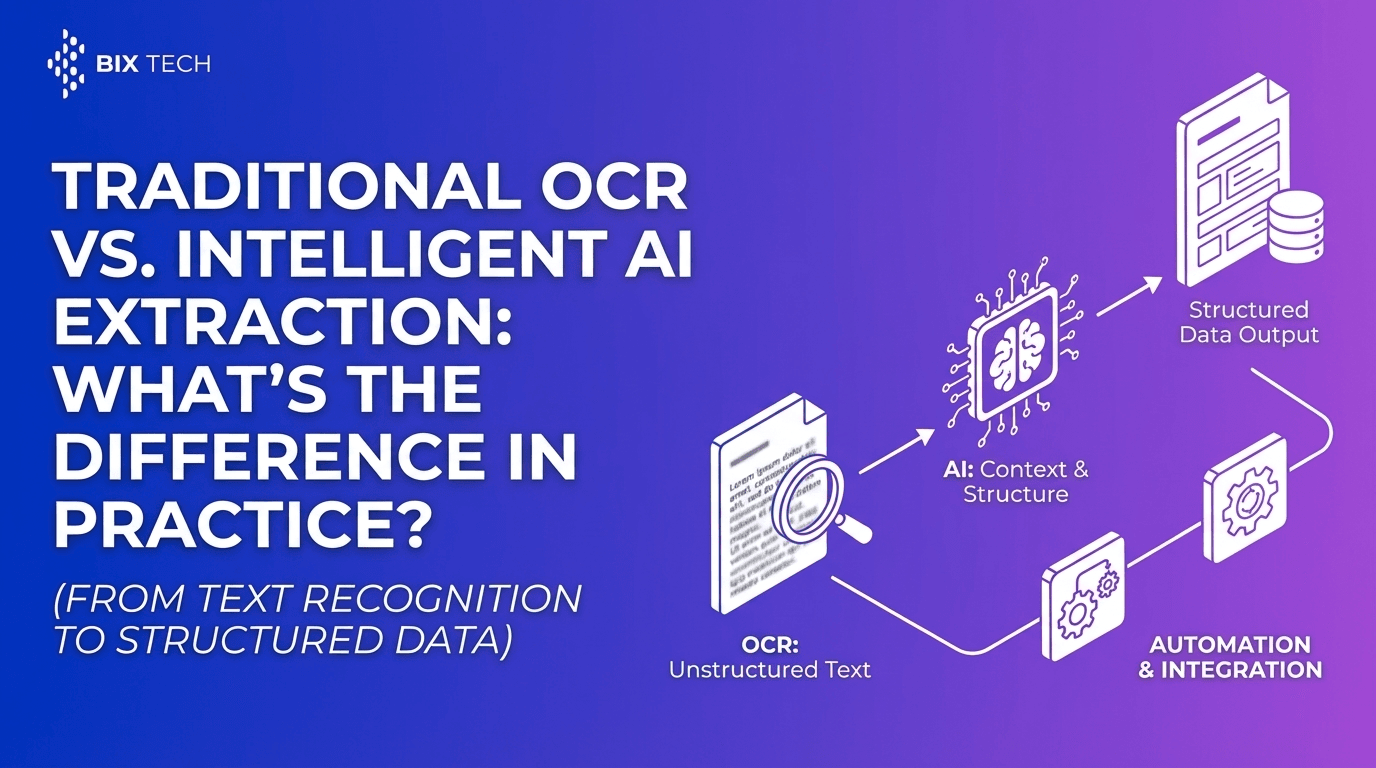
Traditional OCR (Optical Character Recognition) is a strong first step-it converts images of text into machine-readable text. But for modern RAG workflows, plain text is rarely enough. The real breakthrough comes from layout-aware parsing: understanding where text appears, how it’s grouped (tables, headers, footers, line items), and what it means in context (field/value pairs, totals, dates, parties, clauses).
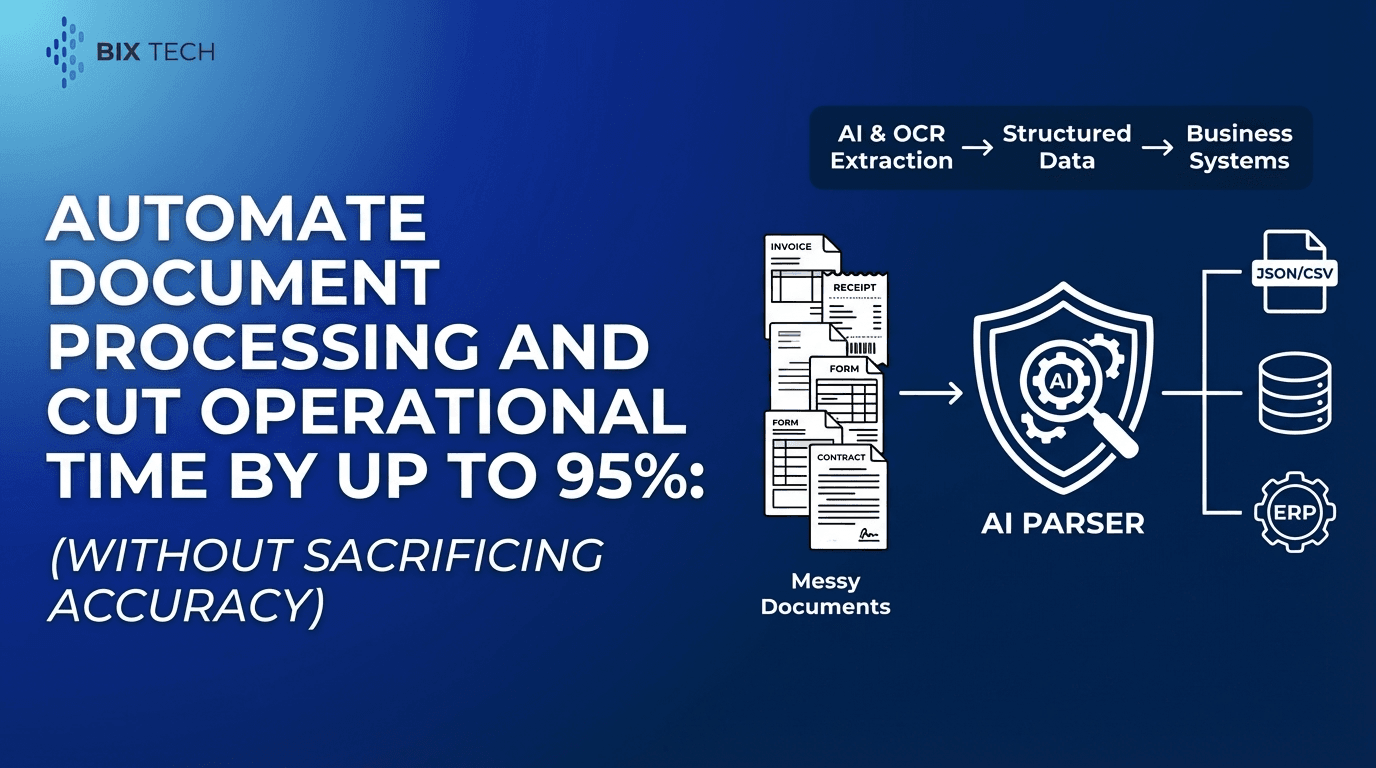
This is exactly where Parser, an intelligent document processing solution, becomes a strategic advantage. By combining advanced AI with OCR, Parser extracts structured data from unstructured or semi-structured documents-eliminating manual entry, reducing errors, and accelerating downstream analytics and automation.
What “Beyond OCR” Really Means
OCR answers the question:
> “What characters are on this page?”
Layout-aware parsing answers the questions RAG actually cares about:
- Which text belongs together (e.g., an address block vs. a payment remittance block)
- What role each element plays (header, footer, table cell, total, signature line)
- How information is structured (line items, columns, key-value pairs)
- What the reading order should be (especially in multi-column documents)
- Which pieces are actionable (invoice number, subtotal, tax, due date, vendor, PO number)
If you’re feeding a RAG system with raw OCR output, you’re often providing a confusing “bag of words” that causes:
- inaccurate retrieval (wrong chunk matched)
- hallucinations (model fills in gaps)
- missing facts (critical fields buried in noise)
- compliance risks (wrong clause or number cited)
Layout-aware parsing turns documents into clean, semantically meaningful building blocks for retrieval.
Why Layout Awareness Improves RAG Accuracy (In Plain English)
High-precision RAG depends on two things:
- High-quality chunks (the content you store and retrieve)
- High-quality metadata (the labels that guide retrieval)
Layout-aware parsing improves both.
1) Better chunking: fewer “Franken-chunks”
When you chunk raw OCR text, you can accidentally merge unrelated sections:
- footer text mixed with terms and conditions
- table rows stitched to a paragraph
- page headers repeated across chunks
Layout-aware parsing lets you chunk by document structure-like “Invoice Summary,” “Line Items Table,” “Payment Terms,” or “Termination Clause”-which dramatically improves retrieval relevance.
2) Stronger metadata for filtering and ranking
Metadata is what makes RAG fast and precise. Layout-aware parsing can reliably tag:
- document type (invoice vs. contract)
- fields (invoice_number, vendor_name, effective_date)
- table entities (item, quantity, unit_price)
- page/section references (page 3, section 8.2)
That enables better retrieval strategies like:
- “Only search payment terms sections in contracts from 2024”
- “Filter to invoices with vendor=Acme and currency=USD”
- “Retrieve line items where SKU matches X”
3) Fewer model mistakes with numbers (totals, taxes, dates)
OCR alone can mislead the model when numbers are context-dependent. Example:
- “Total” might appear multiple times (subtotal, total due, total paid)
- tax tables are easy to scramble
- dates can refer to issue date, delivery date, due date
Layout-aware parsing uses context and positioning to correctly identify which number is the total, which date is the due date, and which rows belong to which columns.
What Is Parser (and What Problem Does It Solve)?
Parser is an intelligent document processing (IDP) solution designed to automate the extraction of structured data from unstructured or semi-structured documents. Using advanced AI and OCR, it removes the need for manual “read and type,” reducing human error and improving operational efficiency.
In practice, Parser helps teams convert documents into:
- structured JSON or database-ready outputs
- clean text with layout-aware sections
- searchable fields and standardized entities
This is the foundation for reliable automation and high-precision RAG.
Key Features of Parser (Expanded)
1) Automated Data Extraction
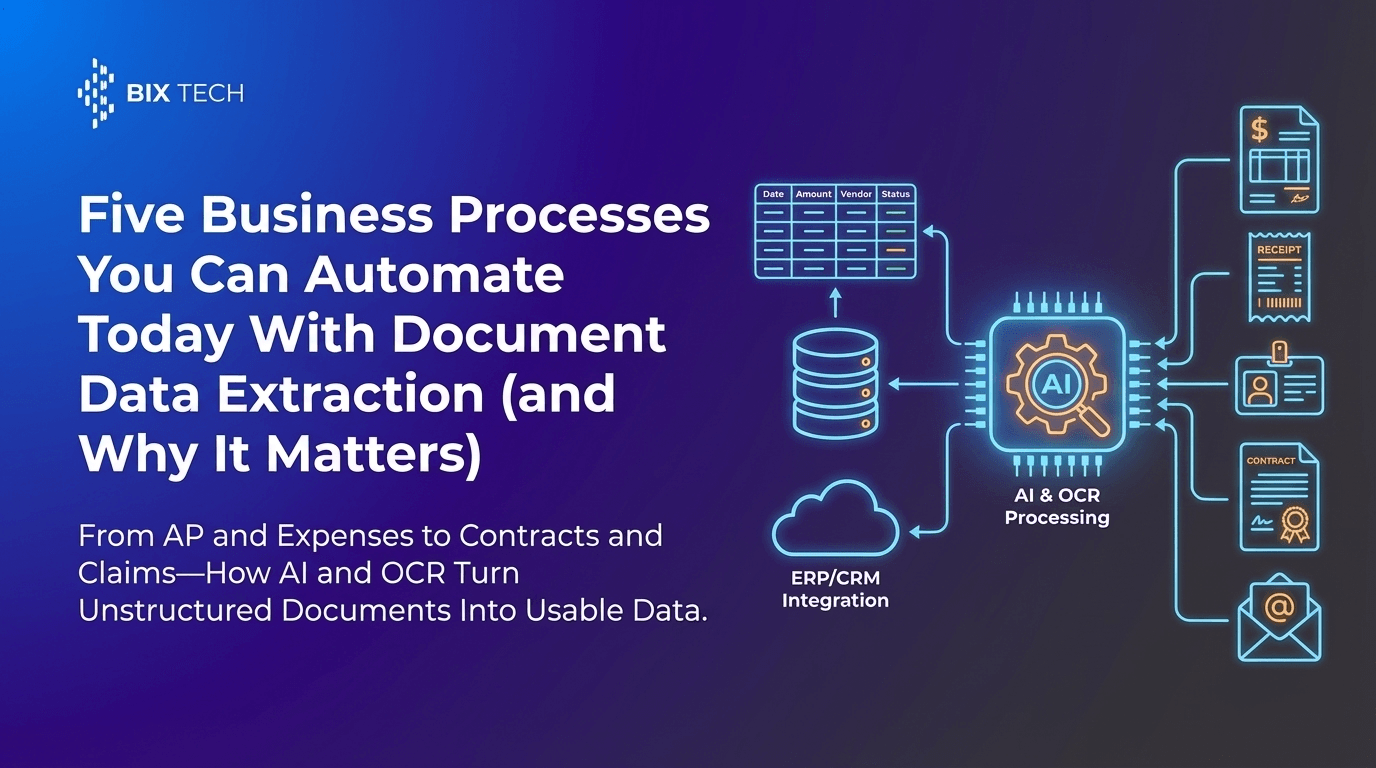
Parser converts documents like:
- invoices and receipts
- contracts and statements
- IDs and forms
- scanned PDFs and image uploads
…into actionable digital data, without manual entry.
Practical example:
Instead of copying invoice totals into an ERP, Parser extracts invoice number, vendor, due date, tax, totals, and line items automatically.
2) AI-Powered Accuracy (Not Just Text Recognition)
Parser uses machine learning to understand:
- varying document layouts (different vendors, templates, languages)
- context (what a field means, not just what it says)
- structure (tables, key-value pairs, sections)
This matters when formats change-because in real life, they always do.
3) Customizable Workflows
Every business has different “must-have” fields. Parser supports workflows where you define what to extract, such as:
- invoice_number, PO_number, line_items
- customer_name, billing_address
- contract_effective_date, renewal_terms
- ID_number, expiration_date
You get extraction aligned to your internal processes-not generic output.
4) Integration Ready
Parser is designed to fit into existing stacks, integrating with:
- ERPs and accounting systems
- CRMs and ticketing tools
- databases, data warehouses, BI platforms
- automation tools and RAG pipelines
That means extracted data can flow directly into downstream systems with fewer handoffs.
5) Scalability for High-Volume Processing
Whether you process 50 documents a day or 50,000, Parser supports high-throughput processing-ideal for growing teams that need to scale operations without scaling headcount.
The Value Proposition: From Document Chaos to Agile Digital Workflows
Parser transforms document-heavy processes into streamlined, digital workflows by automating the repetitive “read and type” task.
What that unlocks:
- Lower processing costs: fewer hours spent on manual entry
- Better data reliability: fewer typos, missed fields, and inconsistencies
- Faster cycle times: quicker approvals, payments, onboarding, and reporting
- More strategic work: teams focus on analysis and decisions, not transcription
And for RAG specifically, the payoff is huge: cleaner inputs lead to more accurate answers.
Where Layout-Aware Parsing Pays Off Most (Use Cases)
Accounts Payable (Invoices + Receipts)
- Extract vendor, totals, taxes, line items
- Match invoices to purchase orders
- Flag exceptions (duplicate invoices, mismatched totals)
RAG benefit: Ask, “Why was this invoice flagged?” and retrieve the correct fields + supporting sections instantly.
Contract Intelligence (Legal + Procurement)
- Extract key clauses, dates, renewal terms, obligations
- Identify risky language or missing clauses
- Build searchable clause libraries
RAG benefit: Ask, “What’s the termination notice period?” and retrieve the exact clause-without pulling irrelevant pages.
Customer Onboarding (KYC / IDs / Forms)
- Extract ID fields and expiration dates
- Validate completeness
- Automate data entry into onboarding systems
RAG benefit: Ask, “Which IDs expire next month?” and query structured fields confidently.
Claims, Shipping, and Operations Documents
- Parse bills of lading, packing slips, claim forms
- Extract reference numbers and item details
- Speed up resolution and reporting
RAG benefit: Ask, “Show all shipments tied to reference X,” with accurate, filterable metadata.
How Layout-Aware Parsing Strengthens the Entire RAG Pipeline
Here’s what a layout-aware RAG pipeline typically looks like:
- Ingest documents (PDFs, scans, images)
- OCR + layout-aware parsing (extract structure + meaning)
- Normalize outputs (standard fields, consistent naming, validation)
- Store structured data (DB/warehouse) and index semantic text (vector store)
- Retrieve with precision (metadata filters + semantic similarity)
- Generate answers with citations (page/section references, extracted fields)
Layout-aware parsing is the bridge between messy real-world documents and the clean knowledge base RAG needs.
Best Practices: Getting High Precision From Parser Outputs
1) Capture both structured fields and “explainable text”
For RAG, you want:
- structured fields (for filters and facts)
- sectioned text (for reasoning and narrative answers)
2) Validate high-impact fields
Add lightweight validation rules for:
- totals and tax math
- date formats and ranges
- required fields per document type
This reduces downstream confusion and improves trust.
3) Use metadata-driven retrieval
Examples of metadata keys to store alongside embeddings:
- document_type, vendor, date, currency
- section_name (e.g., “Payment Terms”)
- page_number, confidence_score
4) Treat tables as first-class data
Line items shouldn’t be flattened into a paragraph if you can avoid it. Keeping table structure improves:
- analytics (spend, quantities, unit pricing)
- RAG accuracy (no column mixing)
FAQ (Featured Snippet-Friendly)
What is layout-aware parsing?
Layout-aware parsing is the process of extracting text and understanding a document’s structure-such as sections, tables, key-value fields, and reading order-so the output preserves meaning instead of producing unstructured text.
Why isn’t OCR alone enough for RAG?
OCR produces raw text, but RAG needs well-structured, context-aware content for accurate retrieval. Without layout understanding, critical data like totals, clause names, and table rows can be mixed or misinterpreted, reducing answer quality.
What types of documents can Parser process?
Parser can process invoices, receipts, contracts, IDs, and other unstructured or semi-structured documents, including scanned PDFs and images, converting them into structured, usable digital data.
How does Parser improve accuracy?
Parser uses AI models that understand document layouts and context, improving precision across diverse formats and helping correctly identify fields, sections, and table structures-not just recognize characters.
Can Parser integrate with existing systems?
Yes. Parser is integration-ready and can connect with ERPs, databases, and business intelligence tools, supporting an end-to-end automation pipeline from document ingestion to reporting and RAG indexing.
Final Takeaway: High-Precision RAG Starts Before the Vector Database
If your RAG system is struggling with wrong answers, missing numbers, or messy citations, the fix often isn’t a new model-it’s better document understanding.
Parser brings the “beyond OCR” layer you need: layout-aware, AI-powered parsing that turns documents into reliable structured data and retrieval-friendly content. The result is faster operations, fewer errors, and a RAG pipeline that can answer with confidence-because it’s grounded in clean, correctly structured sources.