Markdown vs. JSON vs. Raw Text: How to Optimize Token Usage and Model Performance with Structured Parsing

If you work with AI models (LLMs) to process documents-think invoices, receipts, contracts, and IDs-you’ve probably noticed a frustrating truth: format matters. The exact same information can cost wildly different amounts of tokens depending on whether you send it as raw text, Markdown, or JSON. And token waste isn’t just a billing issue-it can reduce accuracy, increase latency, and make outputs harder to integrate downstream.
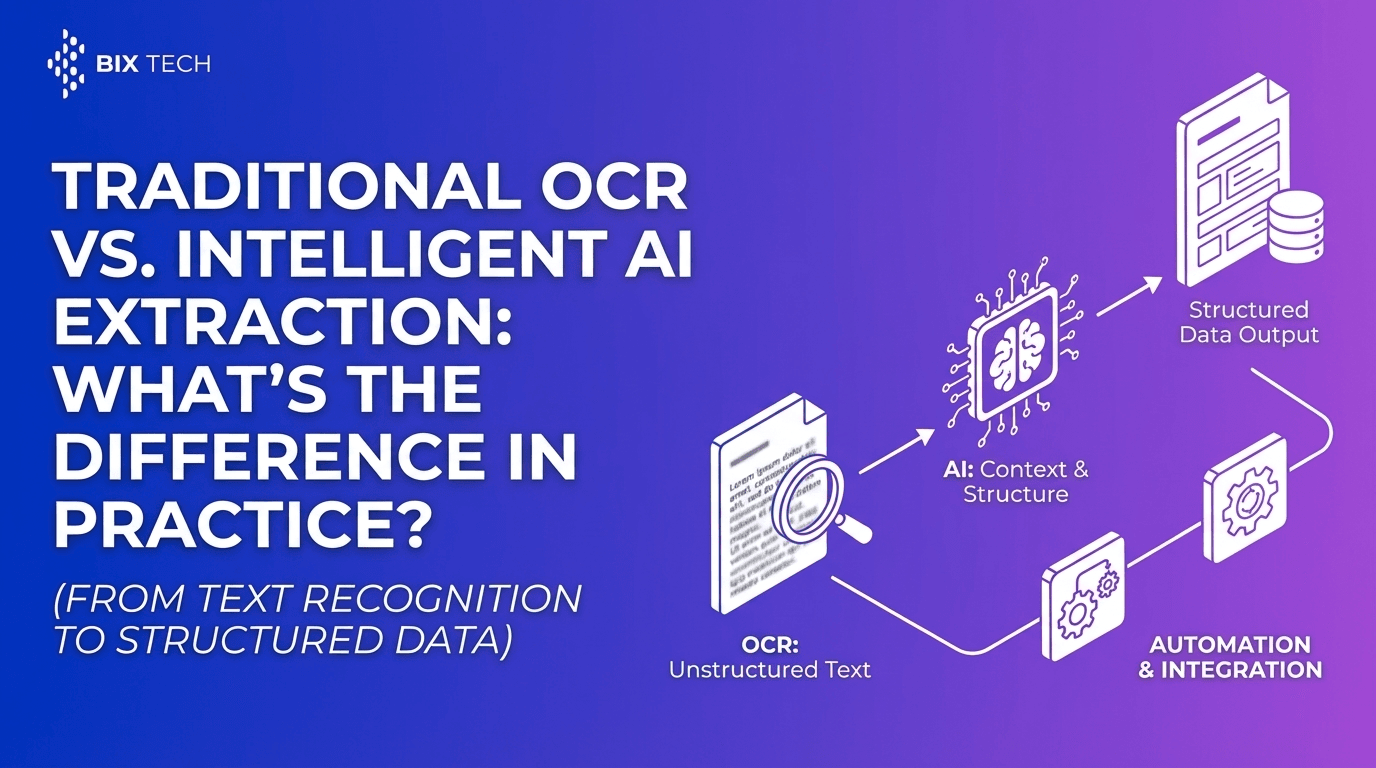
This post breaks down how Markdown vs. JSON vs. raw text impacts token usage and model performance, and how a structured parsing approach (with OCR + AI) helps you consistently turn messy documents into reliable, automation-ready data.
Why Token Efficiency Is More Than “Saving Money”
Token optimization is often treated as a cost-control tactic, but it directly affects model quality and workflow reliability.
When you waste tokens, you risk:
- Context window pressure: long inputs can push critical instructions or content out of the model’s effective attention span.
- Higher latency: more tokens in → more time spent processing.
- Lower determinism: messy, inconsistent inputs lead to more inconsistent outputs.
- Harder integration: unstructured outputs require extra cleanup and validation.
The goal isn’t to make inputs “short.” The goal is to make them structured, consistent, and predictable-so the model can spend its capacity reasoning instead of guessing.
Quick Definitions: Raw Text vs. Markdown vs. JSON
Raw Text
Plain, unformatted text-often copied from OCR output or document exports.
Best for: minimal formatting needs, quick experimentation, human review
Risk: ambiguity (what’s a header vs. a value?), inconsistent layout, higher error rates
Markdown
Text with lightweight formatting (headers, tables, bullet lists).
Best for: human-readable prompts, summaries, comparison tables, “explain this” tasks
Risk: still ambiguous for machines; tables and lists can vary widely across documents
JSON
Strict, machine-readable structured data (key-value pairs, arrays, nested objects).
Best for: automation, integrations, validations, deterministic extraction
Risk: verbose keys can inflate tokens; schema design matters a lot
The Big Trade-Off: Human Readability vs. Machine Reliability
Here’s the practical reality:
- Raw text is cheapest to generate, but often the most expensive in downstream cleanup.
- Markdown is a great “middle layer” for readability and lightweight structure.
- JSON is the most integration-ready, but may cost more tokens unless you design it carefully.
If your end goal is automation (ERP entry, database storage, BI dashboards), JSON usually wins-not because it’s pretty, but because it’s consistent.
Token Usage: What Typically Increases or Reduces Tokens?
Token counts vary by model tokenizer, but these patterns are reliable:
Token-heavy patterns
- Repeating long JSON keys (
"billing_address_line_2") across many items - Redundant labels in Markdown tables
- OCR noise (random line breaks, misread characters)
- Overly verbose prompts (“Please carefully analyze…” repeated often)
Token-efficient patterns
- Compact schemas (short keys, nesting to avoid repetition)
- Arrays for repeated items (line items, transactions)
- Removing boilerplate document headers/footers
- Normalizing whitespace and encoding
When to Use Each Format (Practical Guide)
Raw Text: Best for Early Exploration and Simple QA
Use raw text when:
- you’re prototyping
- you need the model to “read like a human”
- the output is a narrative summary, not structured data
Example use cases
- “Summarize this contract’s termination clause.”
- “Extract key obligations and risks.”
Tip
If you must use raw text, add minimal structure:
- label sections (
INVOICE HEADER,LINE ITEMS,TOTALS) - keep critical fields close together
Markdown: Best for Semi-Structured Reasoning and Auditable Outputs
Markdown shines when you want a result that’s both:
- easy to read
- somewhat structured
Example use cases
- Comparing vendors or invoices in a table
- Generating “human review” checklists
- Creating a formatted report from extracted data
Tip
Keep Markdown consistent:
- avoid complex nested tables
- prefer simple bullet lists for fields
- standardize headings (
## Parties,## Payment Terms)
JSON: Best for Automation, Integrations, and Reliable Parsing
JSON is your best bet when:
- you’re sending data to an ERP, CRM, database, or BI tool
- you need validation, deduplication, and monitoring
- you want high repeatability
Example use cases
- Invoice processing → Accounts Payable automation
- ID extraction → onboarding workflows
- Receipt capture → expense management
Tip: Design JSON for token efficiency
Instead of repeating long keys, structure like this:
- Use nested objects (
vendor,totals,buyer) - Use arrays for line items
- Use short-but-clear keys when token budget is tight
The Missing Link: Why Structured Parsing Beats “Prompt-Only” Extraction
Trying to get consistent structured outputs from messy documents using prompts alone is possible-but it’s fragile. The moment an invoice layout changes or OCR output gets noisy, accuracy can dip fast.
That’s why structured parsing matters: it creates a dependable pre-processing layer so the model receives clean, predictable inputs.
What “Structured Parsing” Means in Practice
A modern intelligent document processing workflow typically includes:
- OCR to convert scans/images to text
- Layout understanding (AI) to detect sections like headers, tables, totals
- Field extraction into a structured schema
- Validation and business rules (e.g., totals match line items)
- Export/integration into business systems
Parser: Turning Document Chaos Into Clean, Structured Data
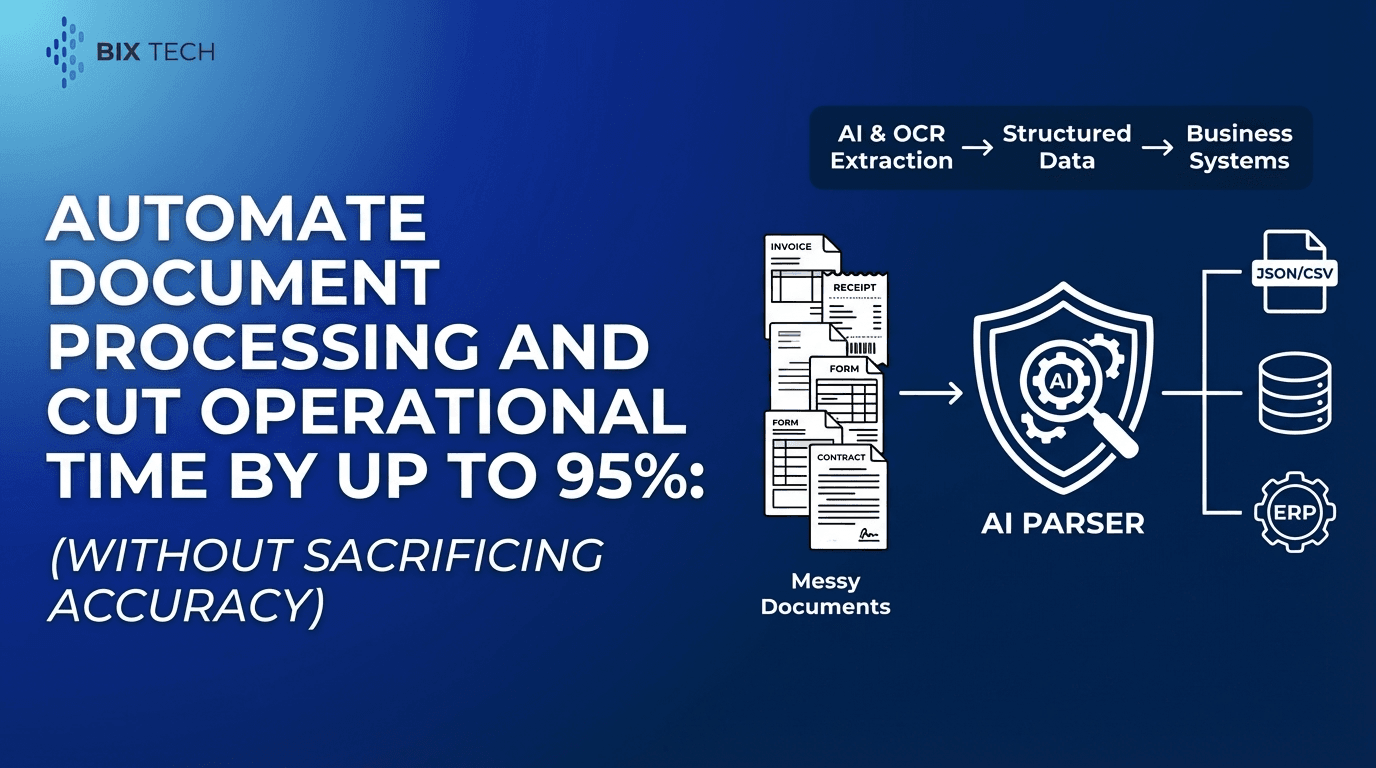
Parser is an intelligent document processing solution that automates the extraction of structured data from unstructured or semi-structured documents. Using advanced AI and OCR, it removes manual “read and type” work-reducing human error and accelerating operations.
Key Features (Expanded)
1) Automated Data Extraction
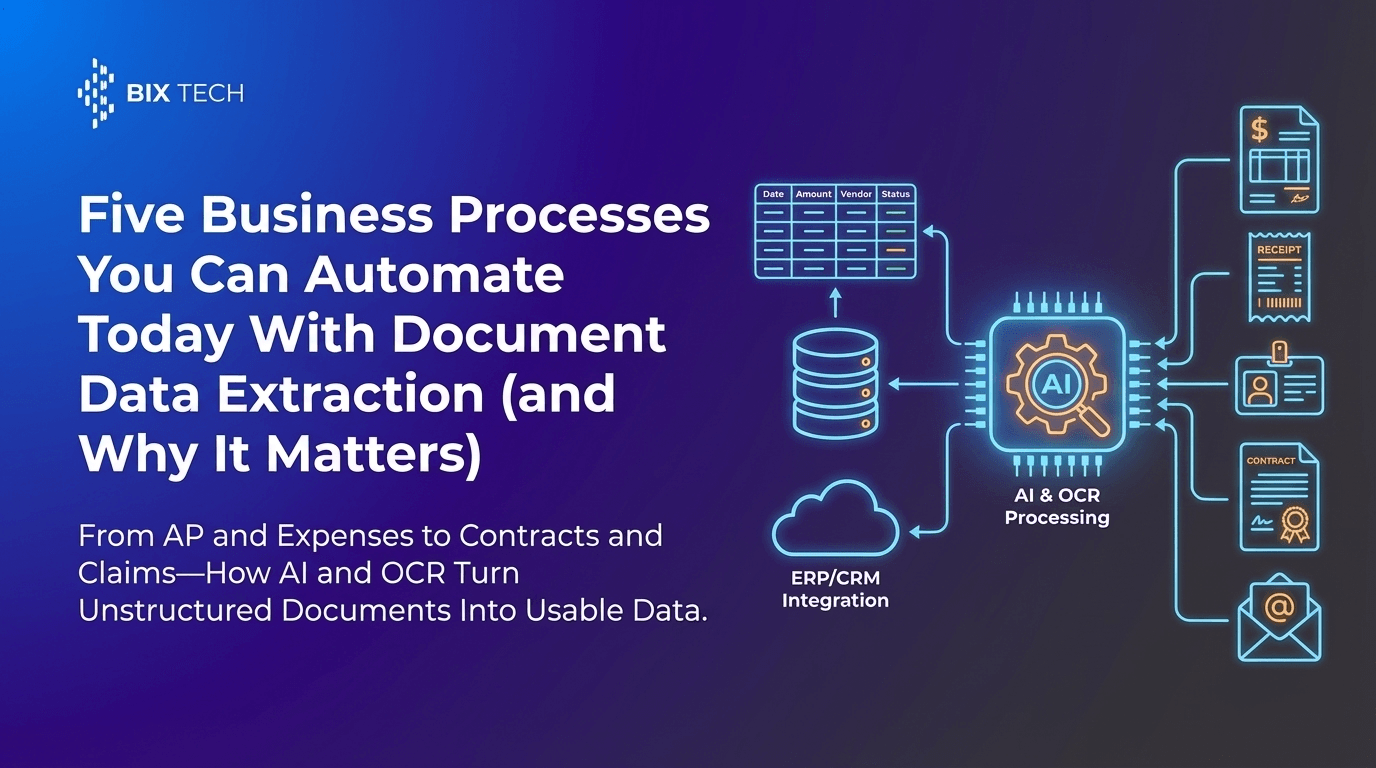
Parser converts documents such as:
- invoices
- receipts
- contracts
- IDs
…into actionable, structured digital data that can power workflows instead of sitting in PDFs.
2) AI-Powered Accuracy Across Layouts
Instead of relying on a fixed template, Parser uses machine learning to interpret:
- document context
- layout variations
- field relationships (e.g., tax + subtotal = total)
This is especially useful when vendors, countries, or formatting conventions vary.
3) Customizable Workflows and Field Selection
Different teams care about different fields. Parser supports configurable extraction so you can define what matters, such as:
- invoice number, date, due date
- vendor name and address
- line-item quantities, unit prices, SKUs
- tax rates and totals
- contract effective dates or renewal terms
4) Integration Ready (ERP, Databases, BI)
Structured outputs are most valuable when they flow directly into your stack:
- ERP systems for AP/AR
- databases for analytics
- BI tools for reporting
- automation platforms for routing and approvals
Parser is built to support that end-to-end pipeline.
5) Scalable for High-Volume Processing
As volume grows, manual entry doesn’t scale. Parser is designed to process large document batches quickly-ideal for teams that need faster throughput without sacrificing consistency.
How Parser Helps You Choose the “Right” Output Format
A smart approach is to separate concerns:
Use JSON for “system-to-system” automation
- clean extraction
- validation-ready structure
- easy integration
Use Markdown for human review layers
- readable audit trails
- approval workflows
- exception handling (“Here’s what seems off”)
Use raw text only when needed
- for long-form interpretation tasks
- when extracting meaning from narrative clauses
In other words: extract in JSON, explain in Markdown, interpret in text.
SEO-Friendly Best Practices: Optimizing Prompts and Outputs for Performance
1) Keep schemas stable
Changing field names constantly increases errors and token usage. Pick a schema and stick to it.
2) Normalize and deduplicate
Remove:
- repeated headers/footers
- disclaimers
- duplicate OCR lines
3) Prefer structured extraction over “creative” generation
For data pipelines, constrain the model:
- “Return ONLY valid JSON”
- “Use these keys exactly”
- “If missing, return null”
4) Validate totals and formats automatically
Add lightweight checks:
- date format validation
- currency consistency
- totals = subtotal + tax - discount
This reduces costly downstream corrections.
Common Questions (Optimized for Featured Snippets)
What format is best for LLM input: Markdown, JSON, or raw text?
It depends on the goal. Use raw text for narrative understanding, Markdown for readable structured summaries, and JSON for automation and integration workflows where consistent structure matters most.
Does JSON always use more tokens than Markdown?
Not always, but JSON can become token-heavy when keys are long or repeated. A compact, well-designed schema (nested objects, arrays, shorter keys) can be very efficient.
Why does structured parsing improve model performance?
Structured parsing improves performance by reducing ambiguity. Clean, consistent inputs help models extract fields more accurately, reduce hallucinations, and produce outputs that are easier to validate and integrate. For a deeper look at why structure matters beyond OCR alone, see why layout-aware parsing is the secret to high-precision RAG.
What documents benefit most from intelligent document processing?
High-volume, document-heavy workflows benefit most-especially invoices, receipts, contracts, and IDs-where manual entry is slow and error-prone.
Putting It All Together: A Practical Recommendation
If you’re optimizing token usage and building reliable automations, aim for this workflow:
- Parse documents into structured fields (JSON-first)
- Use Markdown for review, exceptions, and reporting
- Use raw text selectively for deep interpretation tasks
- Integrate outputs directly into ERPs, databases, and BI tools
That’s how you keep token usage under control while improving speed, accuracy, and operational efficiency-without forcing your team to babysit messy document data.
If you’d like, share one example document type (invoice, contract, receipt, ID) and the target system (ERP/CRM/database). I can propose an optimized JSON schema + a token-efficient prompt pattern that fits your workflow. If you want to see what this looks like in an end-to-end product, start with Parser’s document-to-structured-data overview or review how to use Parser for structured extraction workflows.