OCR Extraction in 2026: How to Automate Document Processing for Faster, More Accurate Workflows

If your team still spends hours rekeying data from invoices, receipts, contracts, or ID documents into spreadsheets or an ERP, you’re in familiar company-and you have better options now. Modern OCR extraction paired with intelligent document processing (IDP) can turn messy PDFs and scans into structured data that moves straight into the systems you already run.
What Is OCR Extraction (and Why It’s Not Enough on Its Own)?
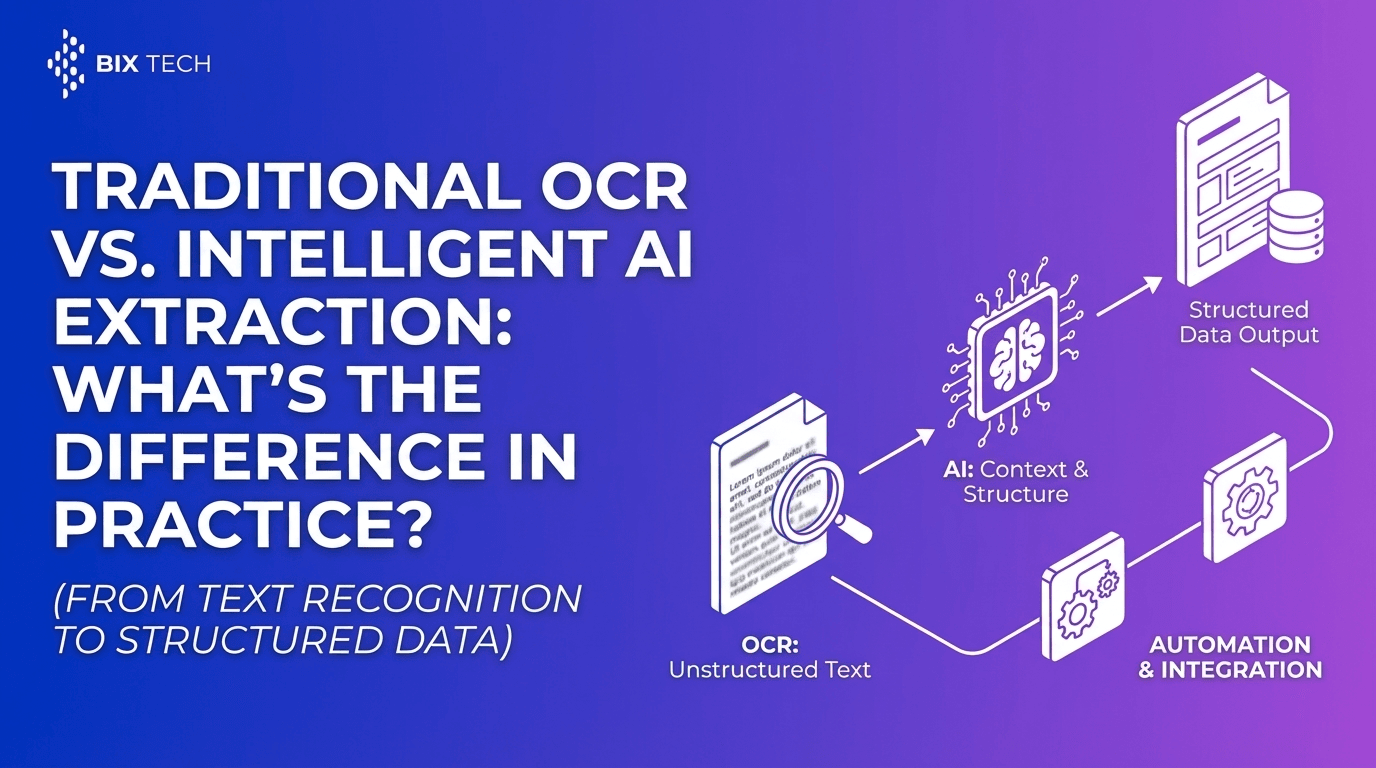
OCR (Optical Character Recognition) converts text in images or PDFs into machine-readable text. It’s essential when the source is scanned paper, photos, or PDFs that aren’t digitally searchable.
The challenge with OCR-only approaches
OCR can “read” characters, but traditional OCR often breaks down when documents have:
- Complex layouts (tables, multi-column forms, stamps, handwritten notes)
- Variable formats (different vendor invoices, changing templates over time)
- Low context (it captures text, but not reliably what the text means)
A practical example: OCR may correctly read “1,245.10” but still mislabel it as a subtotal instead of total-which creates downstream reconciliation work and exceptions.
What Is Intelligent Document Processing (IDP)?
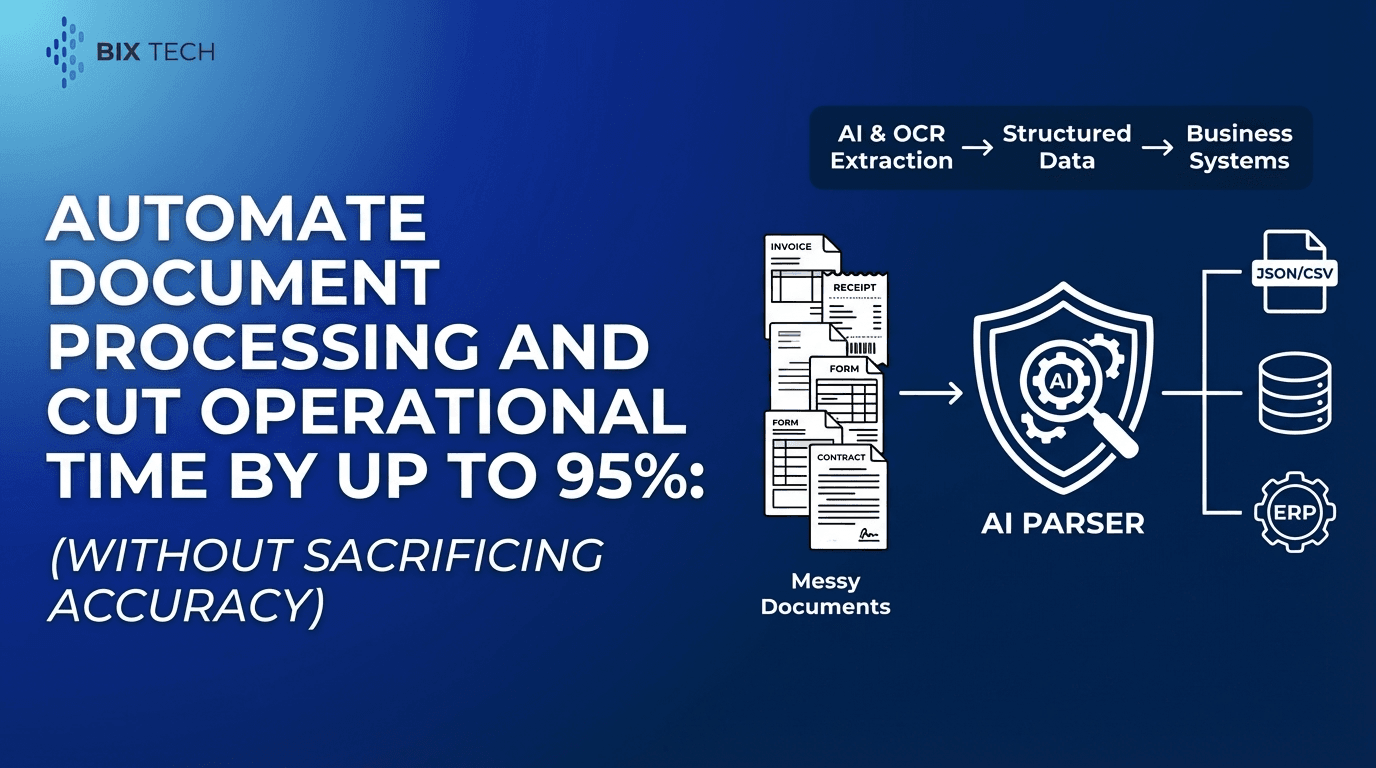
Intelligent Document Processing (IDP) uses OCR plus AI to extract specific fields and run them through workflow logic. In a typical pipeline, IDP will:
- Ingest documents (email attachments, uploads, scanners, APIs)
- Extract structured fields (invoice number, dates, totals, line items, names, addresses, ID fields)
- Validate and normalize data (currency/date formats, vendor naming, tax IDs)
- Route exceptions for human review (only when confidence is low)
- Export to business systems (ERP, CRM, accounting tools, databases, BI)
IDP is where “text recognition” becomes usable operations data.
Proof / ROI context (industry benchmarks): Multiple industry overviews report that IDP and document automation initiatives commonly reduce operational costs by ~30–50% and significantly cut delays and rework tied to manual processing (see SenseTask’s 2025 document processing statistics roundup).
Source: https://www.sensetask.com/blog/document-processing-statistics-2025/
Parser: AI-Powered OCR Extraction for Real-World Document Work
Parser is an intelligent document processing solution built to extract structured data from unstructured or semi-structured documents-without relying on brittle, template-heavy setups. It’s designed for teams that deal with real-world variability: different layouts, inconsistent vendor formatting, scans that aren’t pristine, and documents that arrive via email or portals.
Key Features of Parser (and How They Help in Practice)
Automated Data Extraction
Parser converts documents like:
- Invoices and purchase orders
- Receipts and expense documents
- Contracts and forms
- IDs and verification documents
…into structured, reusable data.
Practical example
An accounts payable team uploads a batch of vendor invoices and extracts:
- Vendor name
- Invoice ID
- Invoice date
- Payment terms
- Total, tax, subtotal
- Line items (when needed)
What changes operationally: instead of an AP specialist typing 20–40 fields per invoice, the team focuses on approvals, PO matching, and exception handling.
Data example (what “structured” looks like):
`json
{
"vendor_name": "Northwind Supplies",
"invoice_number": "INV-10492",
"invoice_date": "2026-01-14",
"currency": "USD",
"subtotal": 1187.72,
"tax": 57.38,
"total": 1245.10,
"payment_terms": "Net 30"
}
`
AI-Powered Accuracy (Beyond Template-Based OCR)
Parser uses machine learning models to interpret:
- Document layouts
- Field context (what a number represents)
- Variations across formats
Why that matters
Even “standard” documents like invoices change frequently: vendors redesign headers, move totals, add remittance blocks, or alter table structures. AI-based extraction reduces ongoing template maintenance and keeps output consistent across changing inputs.
What to measure (so accuracy isn’t just a claim):
- Field-level accuracy (e.g., total, invoice date, invoice number)
- Straight-through processing rate (what % needs no human touch)
- Exception rate by vendor/document type (where to improve first)
Customizable Workflows
Different teams care about different fields. Parser supports custom field definitions so you extract what your workflow actually needs.
Examples of custom extraction fields
- Logistics: tracking number, carrier, shipping address, delivery dates
- HR: employee ID, start date, compensation fields (where applicable)
- Legal: effective date, renewal date, governing law clause, party names
- Finance: cost centers, tax IDs, payment terms, PO match keys
This is often the difference between a pilot that “works in a demo” and a workflow that holds up in production.
Integration Ready (ERP, Databases, BI)
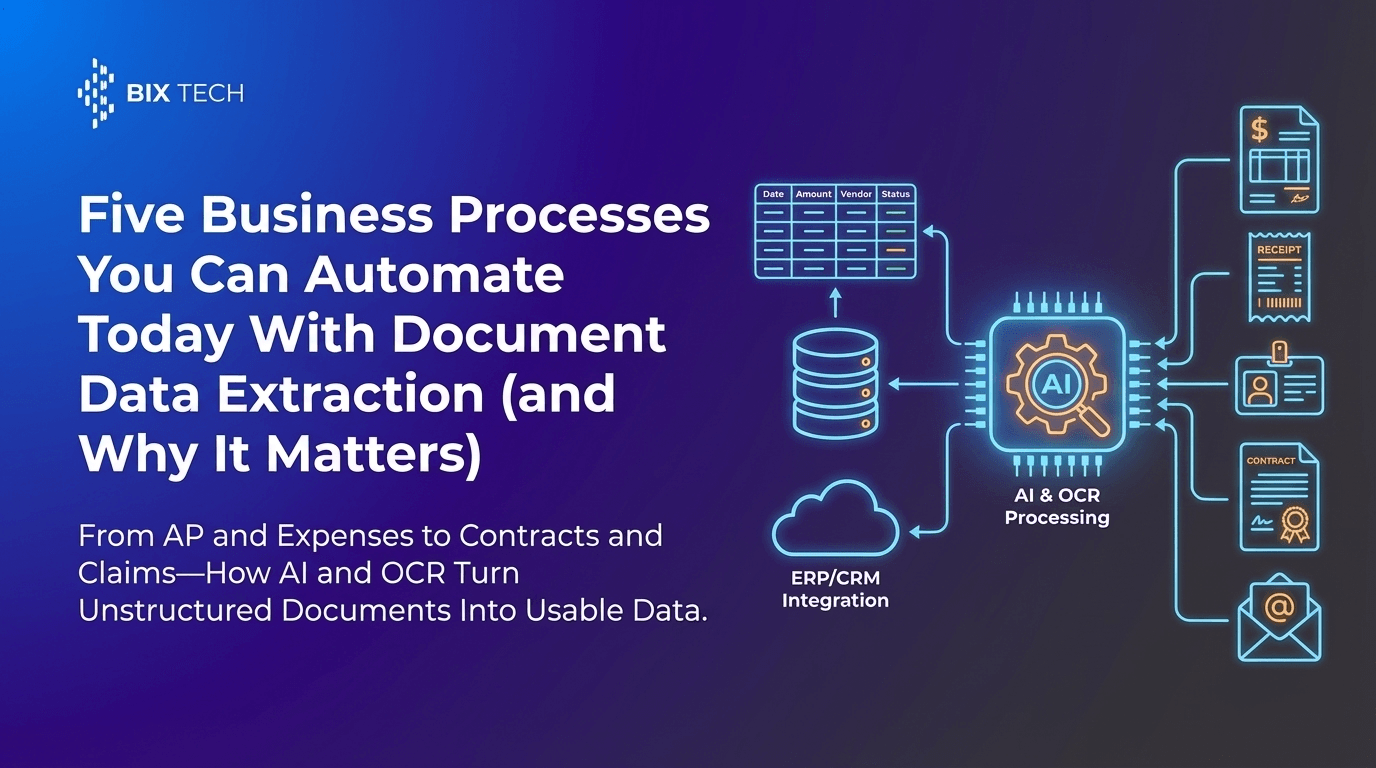
Parser is built to connect into an end-to-end pipeline. Instead of exporting a CSV and manually importing it later, teams can automate handoff into:
- ERPs and accounting platforms
- Internal databases
- BI tools and analytics dashboards
- Document management systems
Practical insight
Most of the ROI shows up after extraction-when validated data posts into the system of record, triggers approvals, and improves reporting consistency.
Scalability for High-Volume Document Processing
As businesses grow, document volume usually rises faster than headcount. Parser is designed for throughput, supporting:
- Batch processing
- Consistent output formats
- Reliable performance during spikes (month-end close, seasonal peaks, audit periods)
Value Proposition: From “Read and Type” to Agile Digital Workflows
Automating extraction removes the most expensive part of document work: repetitive transcription and the correction loops it creates.
What teams typically improve (track these before/after)
- Cycle time: time from document arrival → posting/decision
- Rework: time spent fixing miskeyed or missing fields
- Exception handling load: how many docs require manual review
- Auditability: ability to trace fields back to source documents
Industry reports frequently cite major cost reductions (often ~30–50%) from document automation/IDP programs, largely through less manual handling and fewer downstream exceptions.
Source: https://www.sensetask.com/blog/document-processing-statistics-2025/
Common OCR Extraction Use Cases (with Real-World Workflow Ideas)
1) Accounts Payable Automation (Invoices + Receipts)
Goal: speed up invoice entry and reduce errors in totals, dates, and vendor data.
Workflow idea:
- Invoices arrive via email/upload
- Parser extracts key fields + line items (optional)
- Low-confidence fields go to review
- Approved data posts to ERP/accounting system
- Exceptions route to AP specialists
Mini case example (how to present results internally):
If your AP team processes 2,000 invoices/month and reduces manual touch time by even 3 minutes per invoice, that’s ~100 hours/month returned to the team (and typically faster close with fewer follow-ups). Capture those baseline timings before rollout so you can report credible gains after.
2) Contract Data Extraction for Renewals and Compliance
Goal: avoid missed renewals and make contracts searchable by key terms and dates.
Workflow idea:
- Extract effective date, renewal date, notice period, parties, payment terms
- Push metadata into a repository or CRM
- Trigger reminders and renewal workflows
What “good” looks like: a renewal dashboard where each record is backed by extracted fields (effective date, renewal date, notice period) and exceptions are flagged when confidence is low or clauses are missing.
3) ID Document Processing (Onboarding and Verification)
Goal: reduce manual entry during customer or employee onboarding.
Workflow idea:
- Extract name, DOB, document number, expiration date
- Validate formats and run checks
- Store structured fields in onboarding systems
Operational win: faster onboarding turnaround with fewer back-and-forth messages caused by typos or incomplete data capture.
How to Choose an OCR Extraction Solution (Checklist)
When evaluating document processing automation, look for:
Accuracy and flexibility
- Can it handle different layouts and document types?
- Does it improve over time with AI models?
Custom field extraction
- Can you define the fields that matter to your business?
- Can it extract tables/line items if needed?
Human-in-the-loop review
- Does it support confidence scoring and exception handling?
- Can reviewers correct outputs quickly?
Integrations and automation
- API access, webhook support, export formats
- ERP/CRM/database connectivity
Security and governance
- Access control, audit trails, data retention options
- Fit for your compliance needs (varies by industry)
Best Practices for Better OCR Extraction Results
Improve document quality where possible
- Use clear scans (avoid shadows, skew, low resolution)
- Encourage consistent submission formats (PDF when available)
Standardize key fields across workflows
- Decide “source of truth” formats (date format, currency, vendor naming)
- Normalize outputs before pushing to downstream systems
Start with one high-volume workflow
Choose a process with:
- high document volume
- clear structured fields
- measurable cycle time and error rates
Then expand once the pipeline is stable.
Tip: Start by measuring baseline performance for 1–2 weeks (average processing time, error rate, exception count). That baseline makes your “after” results credible.
Featured Snippet FAQ: OCR Extraction and Automated Document Processing
What is OCR extraction?
OCR extraction converts text from scanned images or PDFs into machine-readable data, enabling software to capture information without manual typing.
What’s the difference between OCR and intelligent document processing (IDP)?
OCR reads characters from a document. IDP adds AI to extract specific fields, understand layout and context, validate outputs, and route exceptions through a workflow.
Which documents can be automated with OCR extraction?
Common document types include invoices, receipts, purchase orders, contracts, forms, and IDs-especially those with repeatable fields like dates, totals, addresses, and reference numbers.
How does AI improve OCR extraction accuracy?
AI models learn patterns in document structure and context-for example, distinguishing an invoice total from a line-item amount-so extraction stays reliable across varied formats.
What are the biggest benefits of automating document processing?
Faster processing, fewer data entry errors, lower operational costs, better reporting consistency, and freeing staff to focus on approvals, analysis, and exceptions.
Next Step: A Practical Starting Plan for Accounts Payable Teams
If you’re evaluating OCR extraction for accounts payable, this sequence keeps risk low and makes ROI easy to prove:
- Pick one invoice stream (e.g., top 10 vendors by volume).
- Define 8–12 required fields (invoice number/date, total, tax, vendor, PO, payment terms).
- Set success metrics: straight-through rate, time per invoice, exception rate, and posting time.
- Run a 2-week pilot with real invoices and document the before/after.
- Expand to more vendors and line-item extraction only after header fields are stable.